
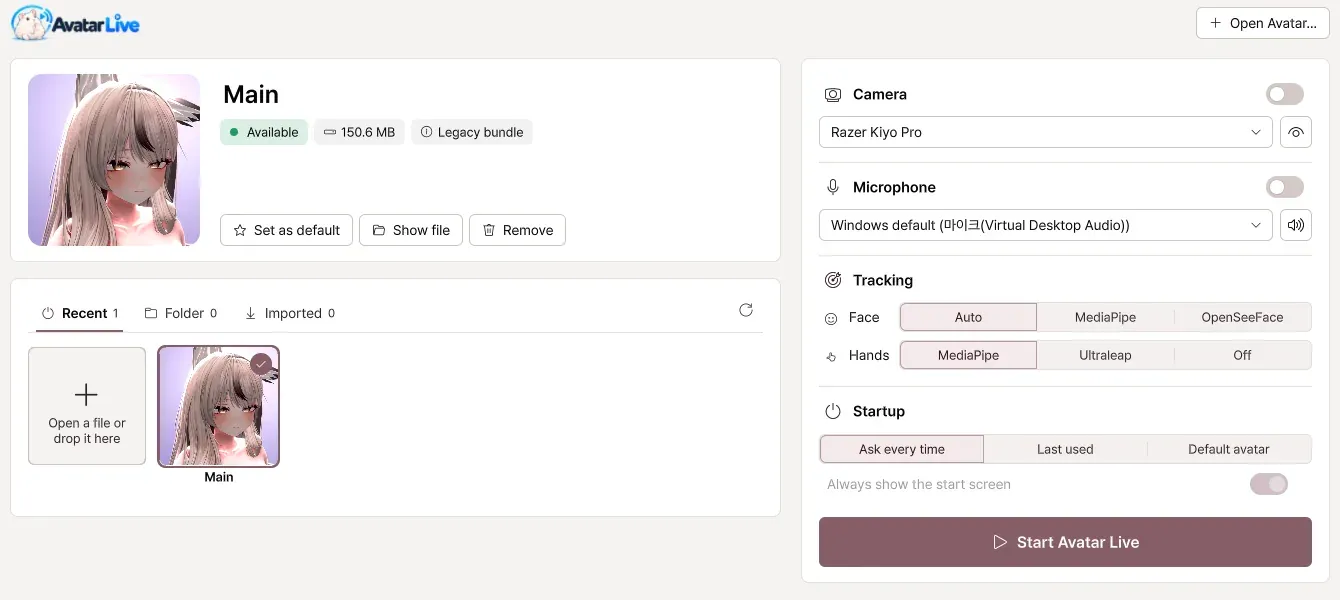
No VRM conversion
Export once from your avatar project and you're done. If you change the avatar, just export it again.

AVATAR LIVE
Version 1.0.2 · October 9, 2026
A Windows VTuber app for VRChat avatars
No VRM conversion, no complicated setup all over again. Bring the avatar you know to your streams and screen shares.
Windows 10 / 11 · Basic from ¥1,990
Features
No need to rebuild anything. Everything built into your avatar moves just as it is.
Export once from your avatar project and you're done. If you change the avatar, just export it again.
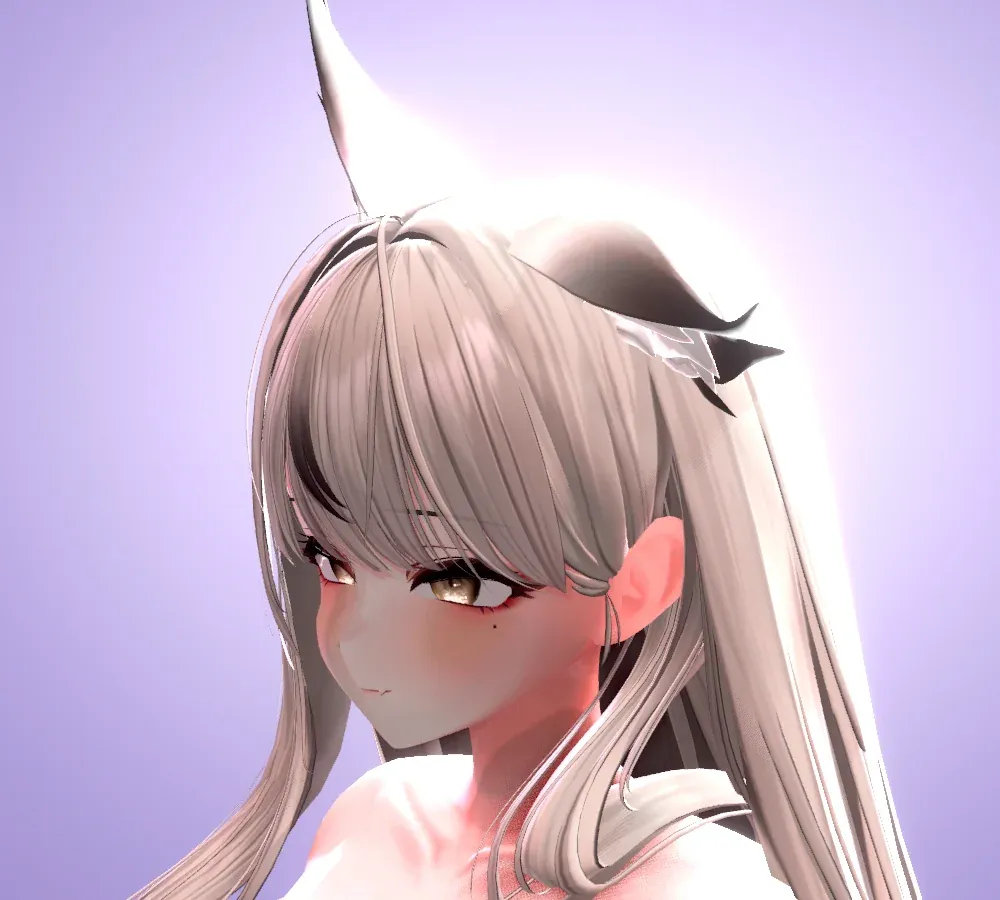
Shows the shaders on your avatar, such as Poiyomi and lilToon, just as they are.
Swaying hair, outfit toggles, even expression buttons move with the same settings as in VRChat.
Expressions, gaze and even fingers with a single webcam. Uses your avatar's VRCFaceTracking setup as it is.
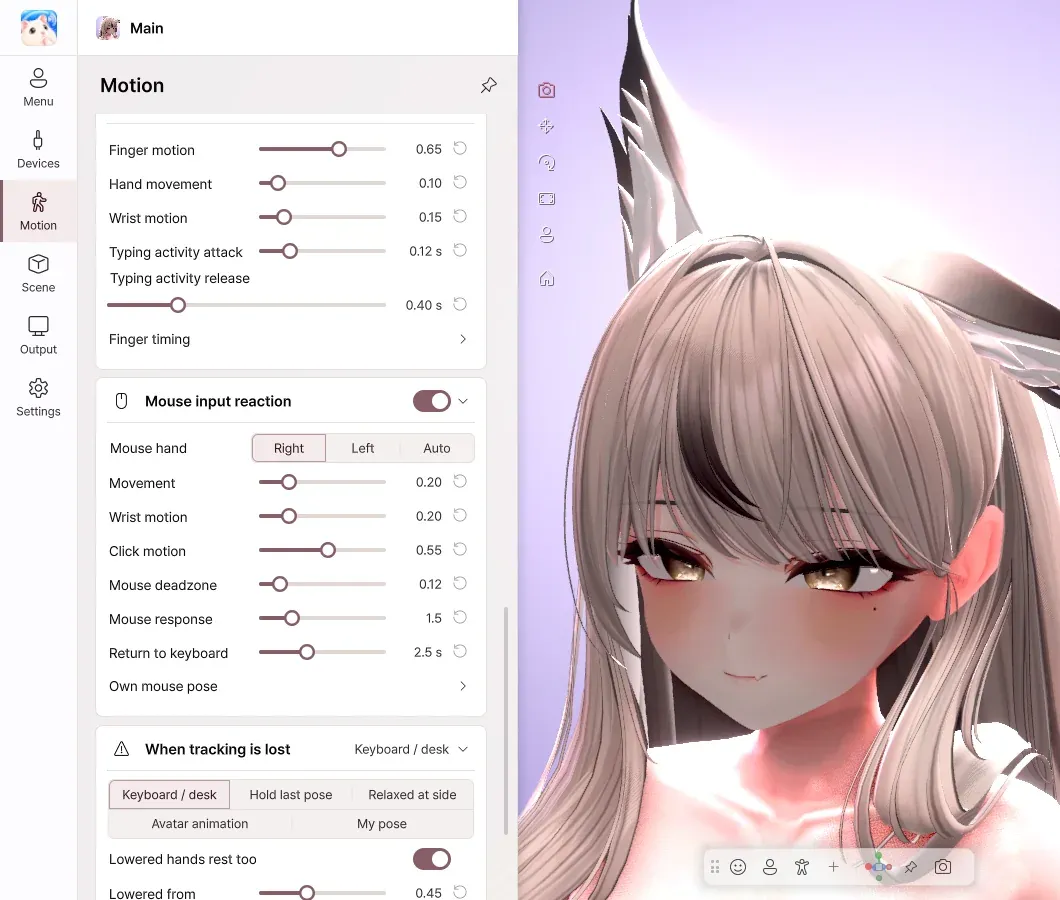
Even when your hands are out of view, the avatar's hands move with your typing and mouse. The characters you type are not recorded.
Send a transparent background to OBS, and the game and your avatar on one screen to Discord.
How it works
Open the Unity project (2022.3.22f1) of the avatar you upload to VRChat.
Create a .vavatar file with a single click in Curious Bobby - Avatar Exporter.
Open the file and turn on your webcam, and your avatar moves right away. From then on, you don't need Unity.
VRM or .vrca files alone can't be used. You need the avatar's Unity project.
Take a look
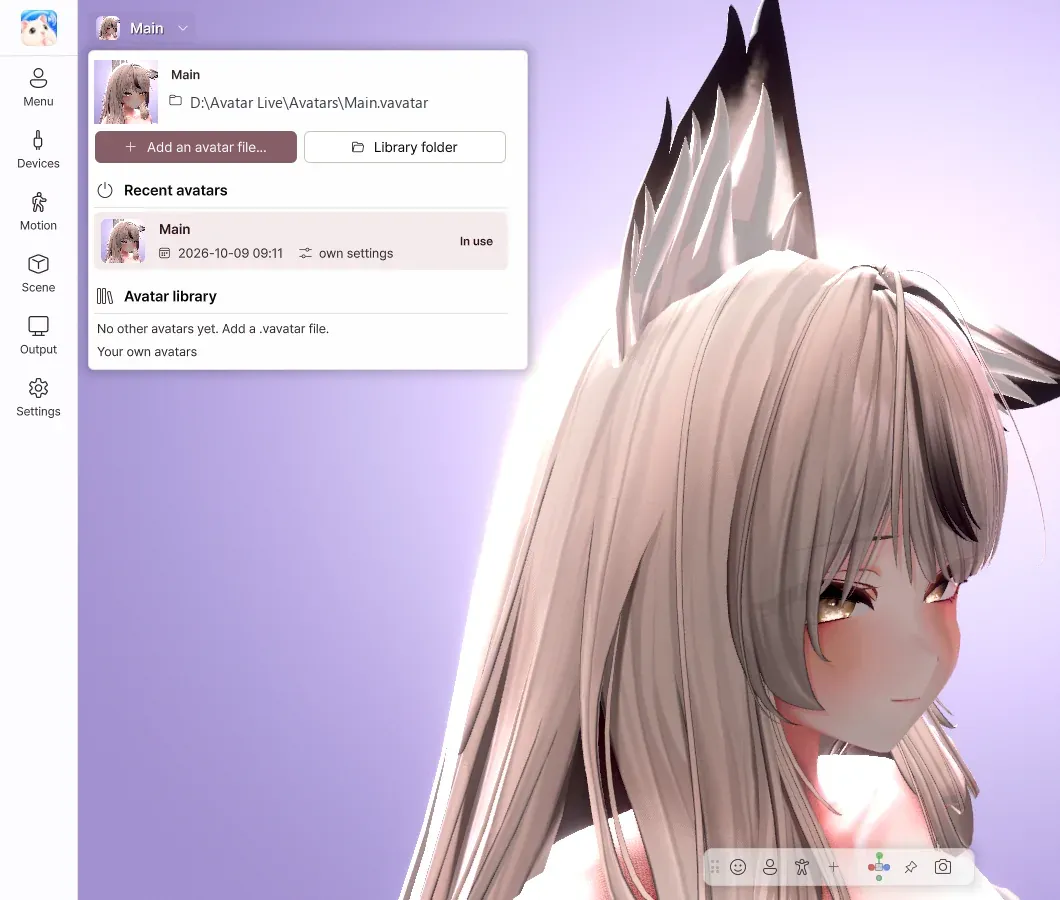
Choose a recently used avatar, or drag and drop a file. Lighting and camera are remembered for each avatar.
Press the same menu you used in VRChat. Items you use often can become buttons or hotkeys.
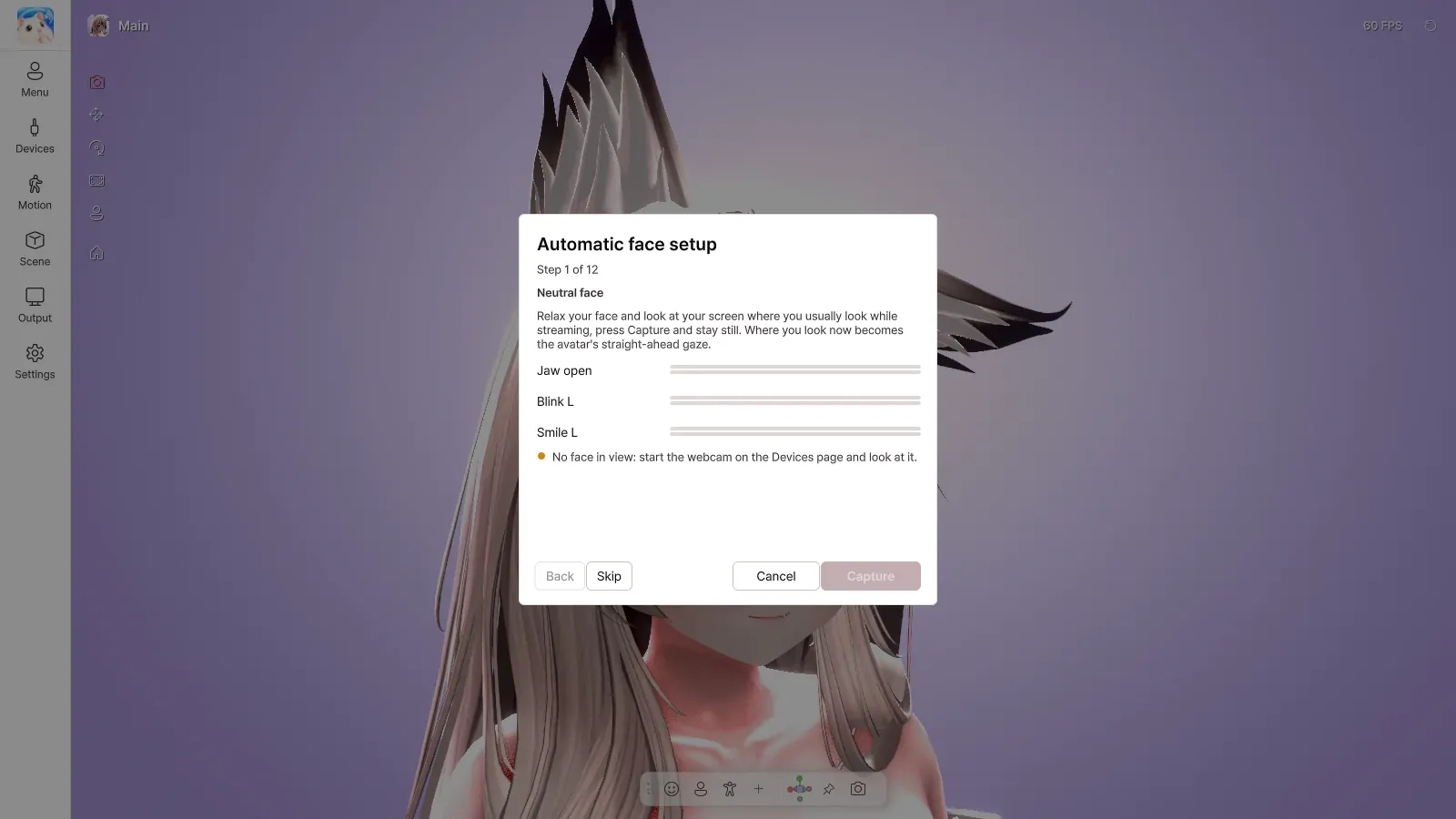
Make the expressions as guided, and the tracking automatically adjusts to fit your face.
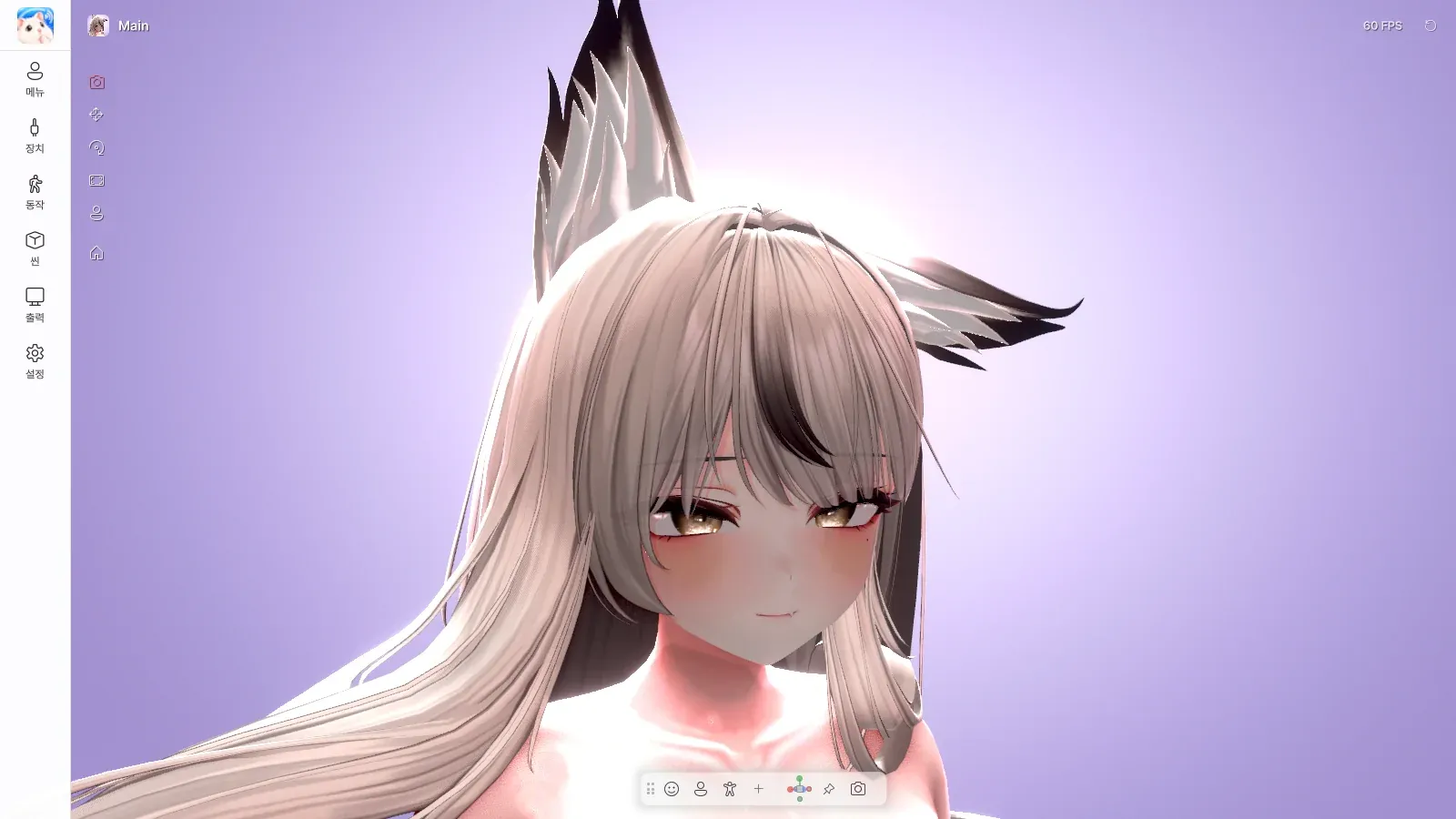
Grab hair or a tail with the mouse and pull, then pose it in exactly the shape you like.
Send a transparent background over Spout2, and appear on Discord · Zoom through the virtual camera.
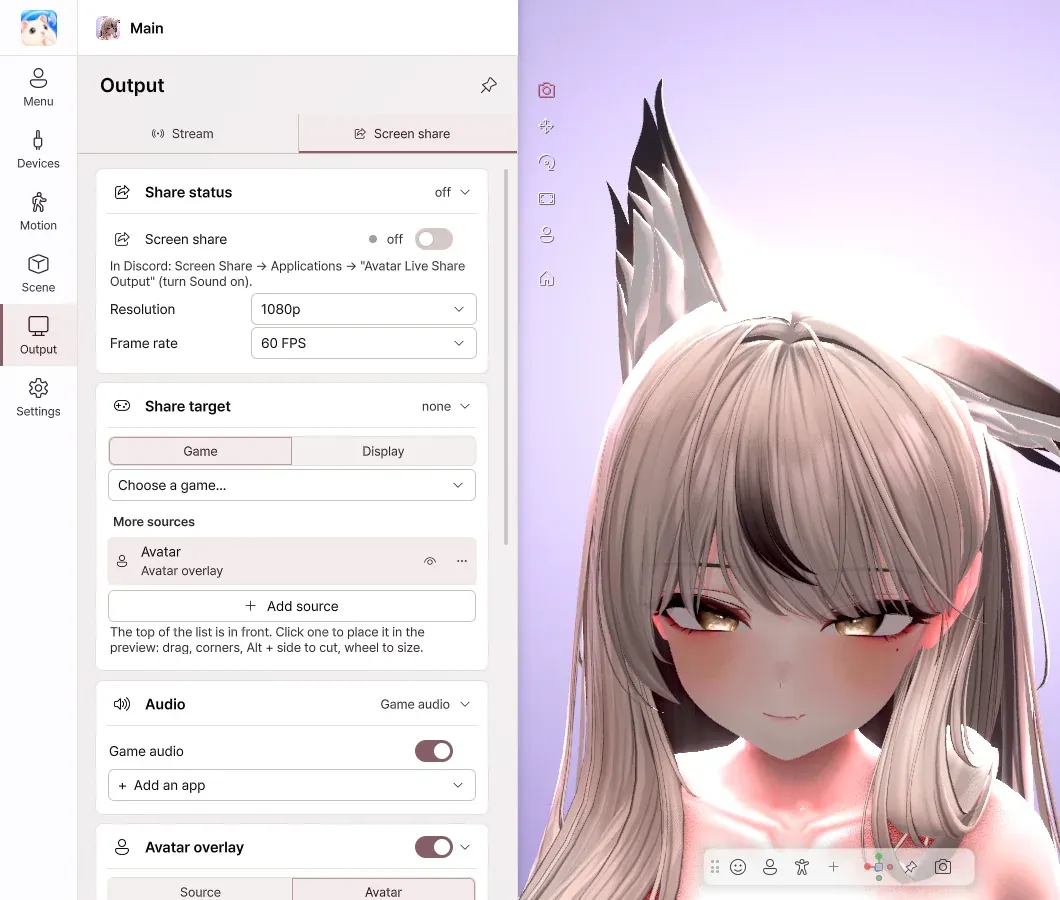
Share the game screen with your avatar on top, without OBS. Your friends see the game and your avatar, and you see only the game.
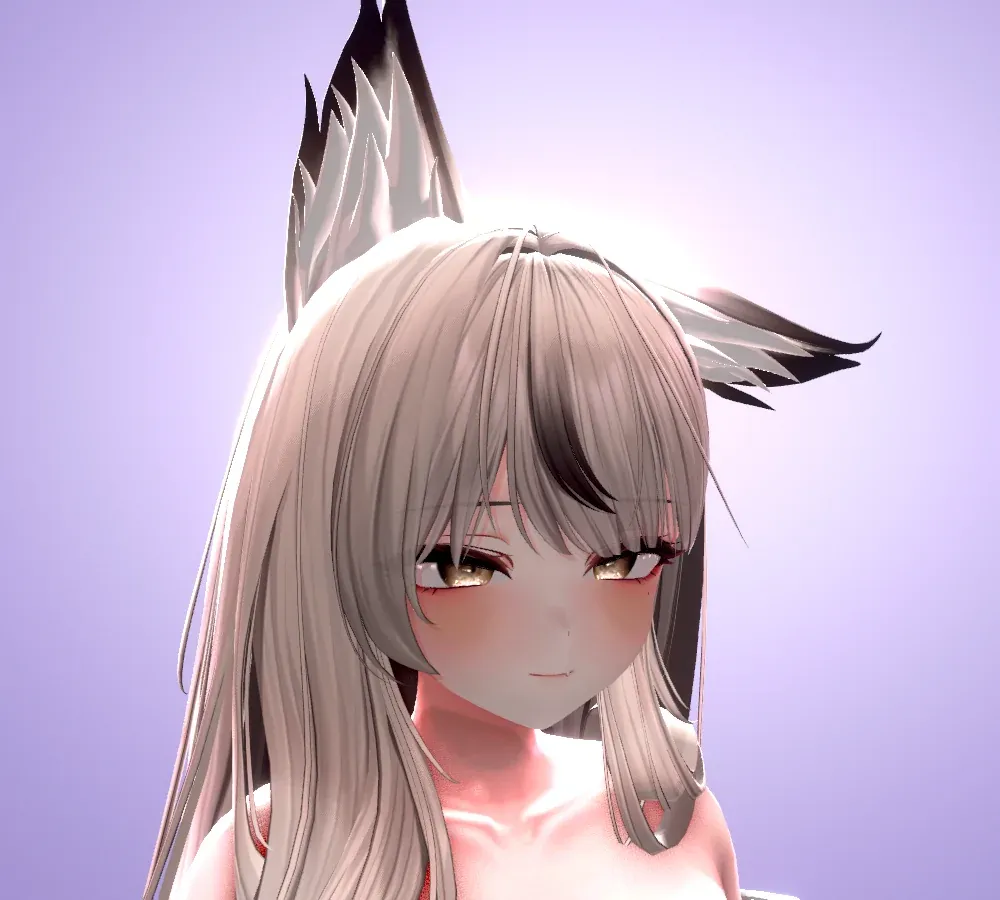
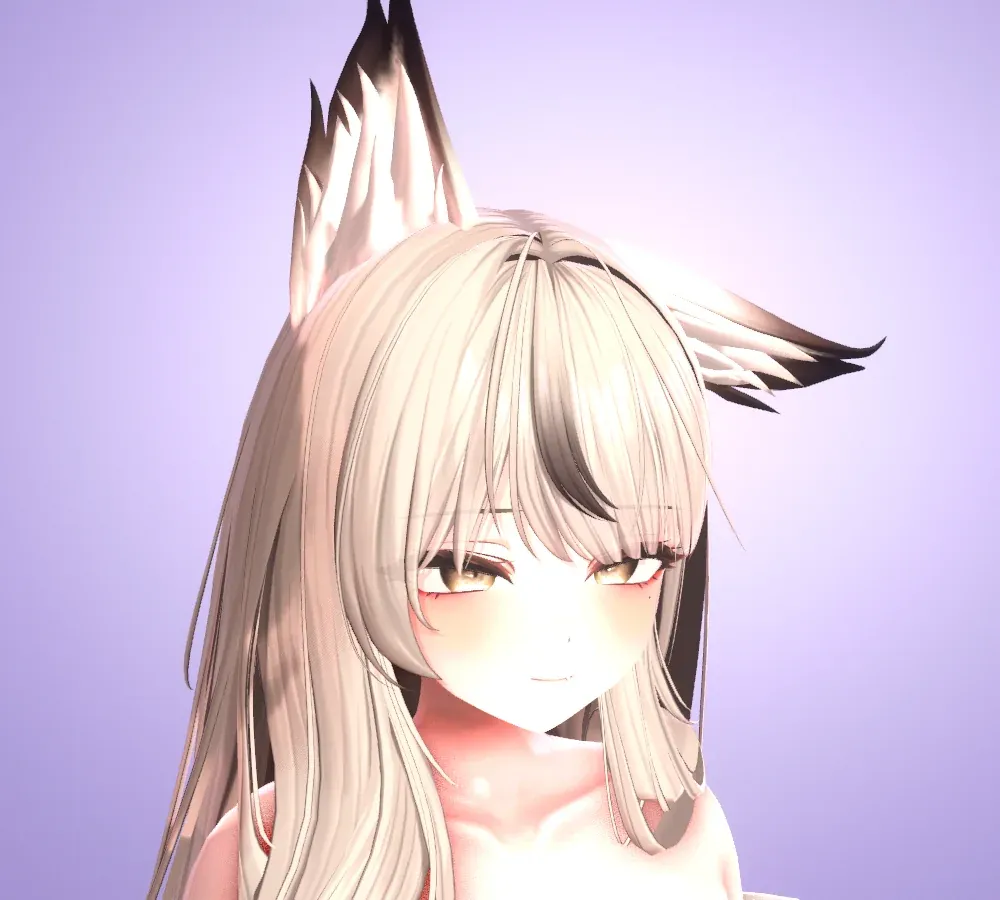
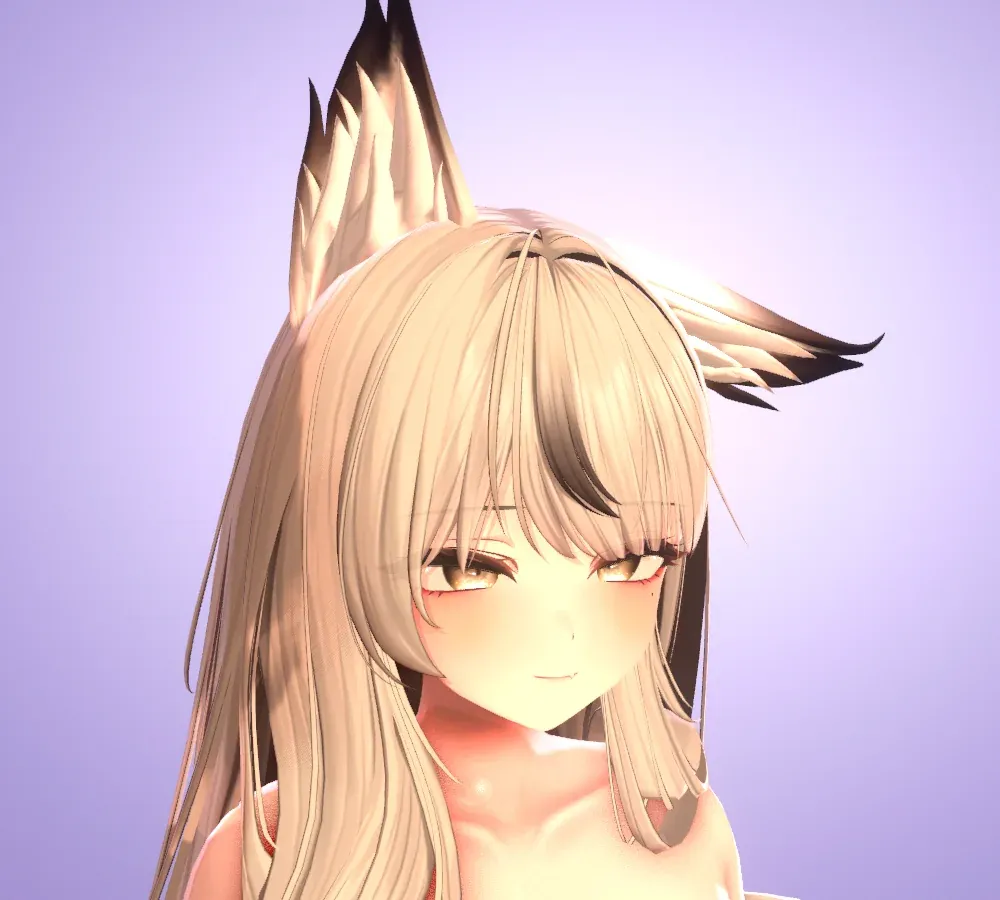
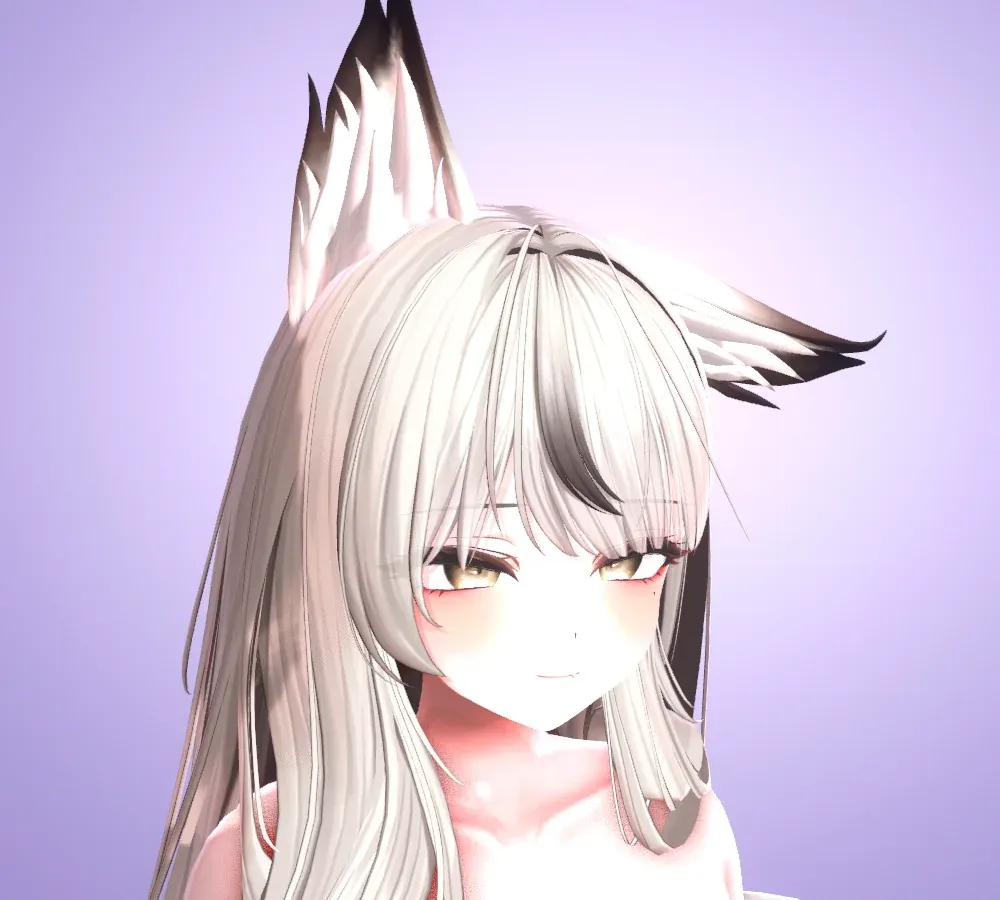
Change the mood with a single preset, and add backgrounds and effects.
Comparison
| Comparison | VRM conversion workflowTypical case | AVATAR LIVE |
|---|---|---|
| VRM conversion | Required | Not needed |
| Shaders | Often rebuilt for VRM | Your original shaders as they are |
| PhysBones | Set up again as SpringBones | Work as they are |
| Expressions menu | Has to be rebuilt | Used as it is |
| After changing the avatar | Convert again from the start | Just export again |
Supported features may vary from program to program.
Editions
Basic and Pro are the same program. Your edition is set by the license you enter.
Personal use
¥1,990
Streaming · publishing videos · commercial use
¥3,980
Already using Basic? The Upgrade (¥1,990) on BOOTH turns it into Pro.
Buy the upgrade(opens in a new tab)Prices are as shown on BOOTH. As this is a digital product, refunds are generally difficult after purchase, so please check the requirements before you buy. Refund Policy
Requirements
Compatibility
VRChat avatars (Supported)
Expressions menu, animators, PhysBones, Contacts, Constraints, Eye Look, LipSync
Creation tools (Supported)
Avatars that use NDMF · Modular Avatar · VRCFury
Shaders (Supported)
Poiyomi, lilToon and others
Face (Supported)
VRCFaceTracking, ARKit (Perfect Sync), MMD eye morphs
Experimental features (Experimental)
Ultraleap, OSC · VMC, camera detection of the tongue and cheeks
Not supported (Not supported)
Avatar sound effects, AudioLink, mirror detection, VRM files, Live2D, macOS · Linux
※ Planned features and their timing may change.
FAQ
Yes. Export it with the Exporter from the Unity project you upload to VRChat, and the Expressions menu works just as in VRChat — right down to your outfit and accessory toggles. Shaders and PhysBones come along as they are.
You need it once, to create the avatar file (Unity 2022.3.22f1). After that, you use Avatar Live without Unity.
Not at the moment. Support for loading VRM files is planned.
Your avatar's own shaders are shown as they are. We have tested more than 200 shaders, including Poiyomi and lilToon.
Yes. Turn on screen share and choose 'Avatar Live Share Output' in Discord, and the game and your avatar are shared together.
Basic is the edition for personal use (including private Discord sharing with friends), and Pro is for streaming, publishing videos and commercial use. Pro offers 4K output, no watermark, posing and objects.
Only Windows 10 / 11 (64-bit) is supported.
Documentation
The official guide covers setup, every page of the app, troubleshooting and licensing — in four languages.
Policies:Terms of UsePrivacy PolicyRefund PolicySeller InformationGitHub

Start right now with the VRChat avatar you know.
Prices as shown on BOOTH.